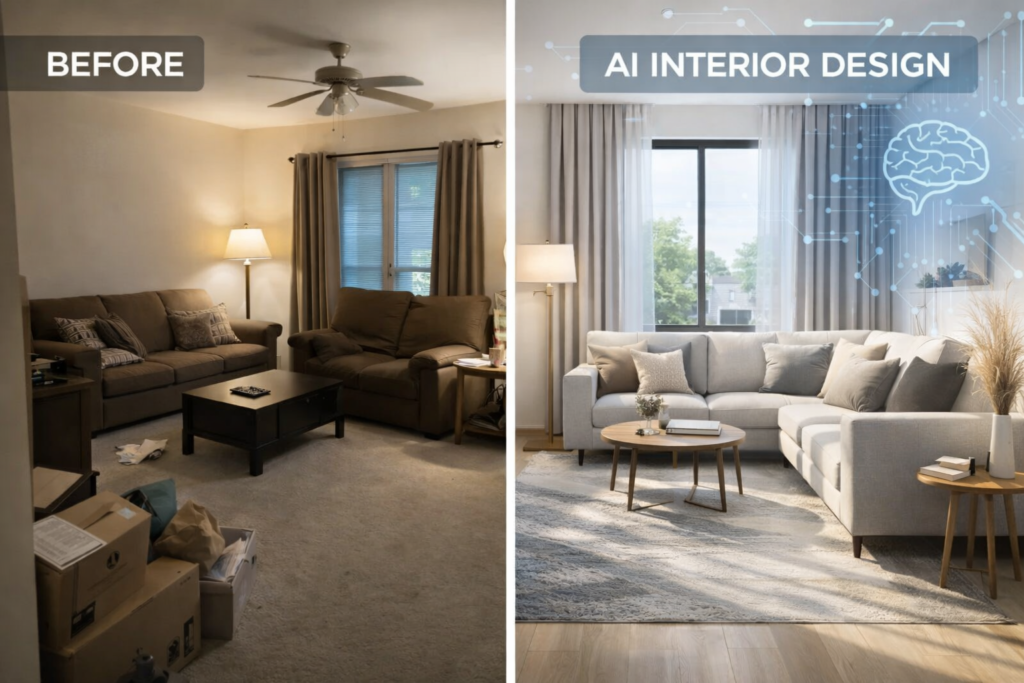
Planning a house in the past could only imply contracting an interior designer and taking weeks to plan out everything and how it would appear in the final picture. With the AI interior design tools, that process is entirely transformed nowadays.
Only a picture of your room is needed before AI can produce plausible designs in a few minutes, no design degree, no costly software, and no guesswork involved.
This article is aimed at those lacking interior design skills and want to know how to use AI. We will go through the process all the way through, describe what you require and what some of the most common mistakes are and how AI can assist you in making smarter, faster and cheaper designs. To understand the technology and real-world limitations behind these platforms, read my breakdown of AI powered interior design tools.
What Is AI Interior Design?
In interior design, AI is an algorithm-driven machine that interprets an image or layout of a room automatically to produce an interior design.
These tools can:
- Suggest furniture layouts
- Use other design styles (modern, minimal, Scandinavian, etc.)
- Play around with colors, lighting and decor.
- Create several variations at once.
AI does not have to start at the very beginning but provides you with visual inspiration that you can actually visualize, and it is much easier to take a decision, in particular, for a beginner.
AI does not replace human creativity, but it serves as a design assistant that will save time, money, and mental energy.
What You Need Before Using AI for Interior Design
The following are the basics that you should have before you begin:
- A picture of your room (only a photo is sufficient)
- Principle concept of type of room (bedroom, living room, kitchen, etc.)
- Rough style preference (optional)
- Availability of an AI interior design tool (a lot of them are free)
That’s it. No installations, no technical knowledge.
How to Use AI for Interior Design (Step by Step)
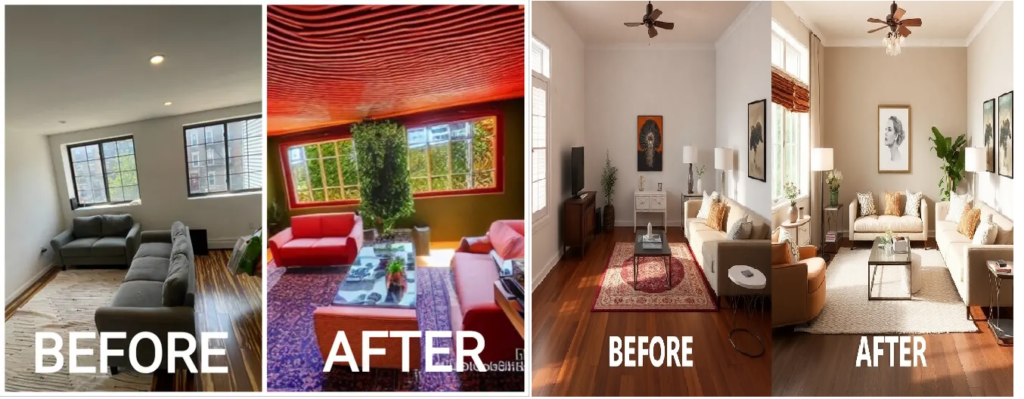
Step 1: Select the appropriate AI Interior design tool
Begin by choosing an AI tool that is easy to use. Look for:
- Simple interface
- Upload-based room design
- Multiple style options
- Free trial or free credits
Remember that you can also compare beginner-friendly options and choose the tools that will save time, which we have described in detail in our article : Best AI interior design tools that actually save time.
Step 2: Add Your Room Picture or Plan
Once you’re inside the tool:
- Upload a well-lit photo
- Ensure that you can see the entire room.
- Do not clutter the walls or corners.
Hint: The best way to take the photo is to stand in one corner of the room and take the photo from chest level.
Step 3: Choose Interior Design Style and Preferences
Most AI tools let you choose:
- Style of design (modern, luxury, minimal, boho, etc.)
- Color tone (light, neutral, dark)
- Furniture density (minimal vs furnished)
- Room type
Modern or Minimal is a good place to start, and typically they give the cleanest AI results.
Step 4: AI Designs and Explore variations
Click on Generating and leave it to AI to do the job.
You’ll usually get:
- Multiple design versions
- Various positions of furniture.
- Color and decor variations
It is at this stage, which novices tend to become excited about and justifiably.
Never be satisfied with the first outcome. Come up with 3-5 variations to compare ideas.
Step 5: Optimize, Archive or Re-create Designs.
Once you like a direction:
- Adjust prompts or styles
- Save your favorite design
- Export images for reference
You can use these designs:
- As DIY inspiration
- To distribute to a contractor or interior designer.
- For furniture planning
AI designs are not complete plans of construction but they make great visual guides.
How to use AI for Home Interior Design (Room-Wise)
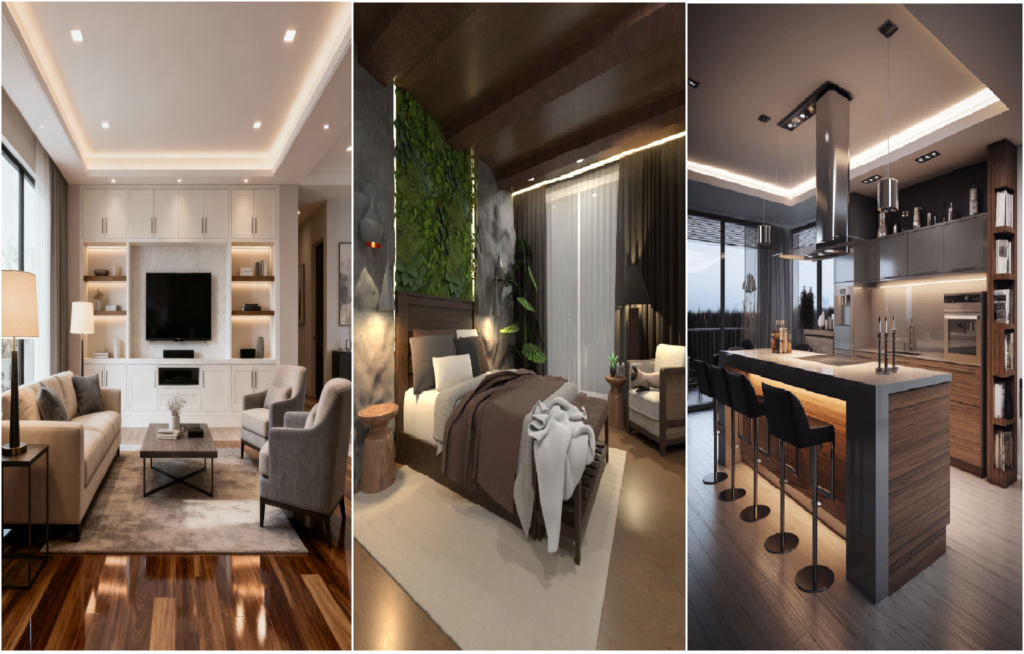
Living Room
AI helps with:
- Sofa placement
- TV wall design
- Lighting ideas
- Color balance
Good to test out design and purchase furniture.
Bedroom
AI is excellent for:
- Bed positioning
- Accent walls
- Lighting moods
- Wardrobe placement
Use cool color schemes to achieve superior results.
Kitchen
AI can help visualize:
- Cabinet colors
- Countertop styles
- Lighting setups
Remark: Final kitchen plans require human measurement precision.
Studio Homes and Small Apartments.
AI shines here:
- Space optimization
- Sparsity of furniture recommendations.
- Open-space layouts
This is one of the best use of designing using AI tools.
Can you use AI interior design Tools for Free?
Yes–many tools offer:
- Free trials
- Limited free renders
- Watermarked outputs
Free editions are ideal in:
- Experimenting with styles
- Learning how AI works
- Getting inspiration
Nevertheless, paid plans tend to open:
- Higher-quality renders
- More variations
- Commercial usage
- Faster processing
Beginners should always start free and upgrade later once they have had some experience.
Common Mistakes Beginners Make with AI Interior Design
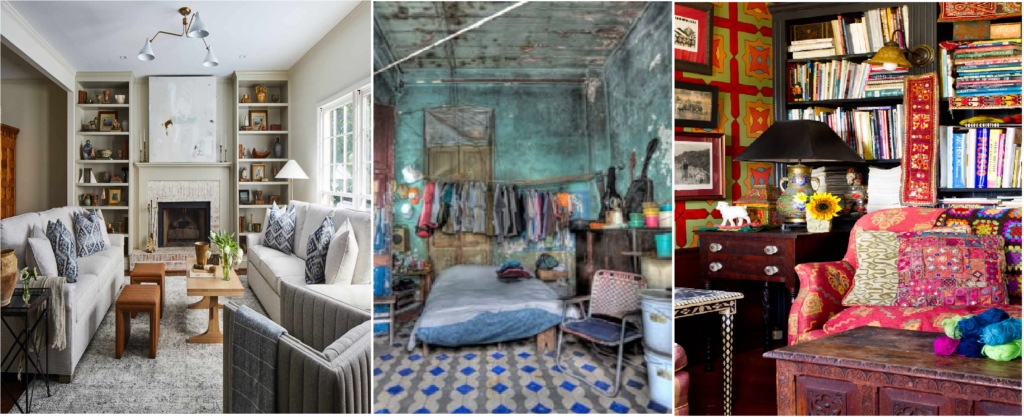
Avoid these errors:
- Posting dark or blurry pictures.
- Assuming that AI designs will be ready to build.
- Ignoring room dimensions
- There are too many ideas and too much to tell.
- Replicating designs without making them unique.
AI is a creative assistant, not a substitute of common sense.
Is AI Interior Design Worth It for Beginners?
Absolutely–especially if:
- You are creating your own house.
- You want to be inspired and then you spend money.
- You have a problem with picturing layouts.
- You’re on a tight budget
Pros
- Saves time
- Reduces costly mistakes
- Boosts confidence
- Beginner-friendly
Cons
- Not 100% accurate
- Needs human judgment
- Minimal real-life constraints.
AI interior design can be among the most effective tools that beginners can use nowadays.
FAQs: AI Interior design beginners.
Is AI interior design accurte?
AI is not a replacement of precise measurements but is visually correct.
Is it possible that interior designers can be substituted by AI?
No. AI facilitates creativity; professionals deal with the implementation and viability.
Is the AI tools usage dependent on the design experience?
No, majority of tools are beginner friendly.
Is AI interior design safe?
Yes, provided that you use decent platforms and do not post sensitive information.
Final Thoughts
The smartest thing that a beginner can do now is learn how to apply AI to the interior design. And with a photo of a room and a few clicks, you can also experiment with styles, experiment with layouts, and make superior design choices- without making costly mistakes.
Begin small, try anything, and make AI your creative collaborator.
After feeling at ease, you can experiment with sophisticated features and tools in order to hone your vision to an even greater degree.
Ready to go deeper? You should not miss our extensive review of Best AI interior design tools that actually save time to select the appropriate platform to work on.